Most of what a setup needs is a dry cloth once a week and a slightly damp one once a month. Wipe the chair, dust the keyboard, clean the mouse feet, and wash the pad by hand when it starts to look tired. Unplug or switch off anything electronic first, and keep liquids away from switches and sensors.
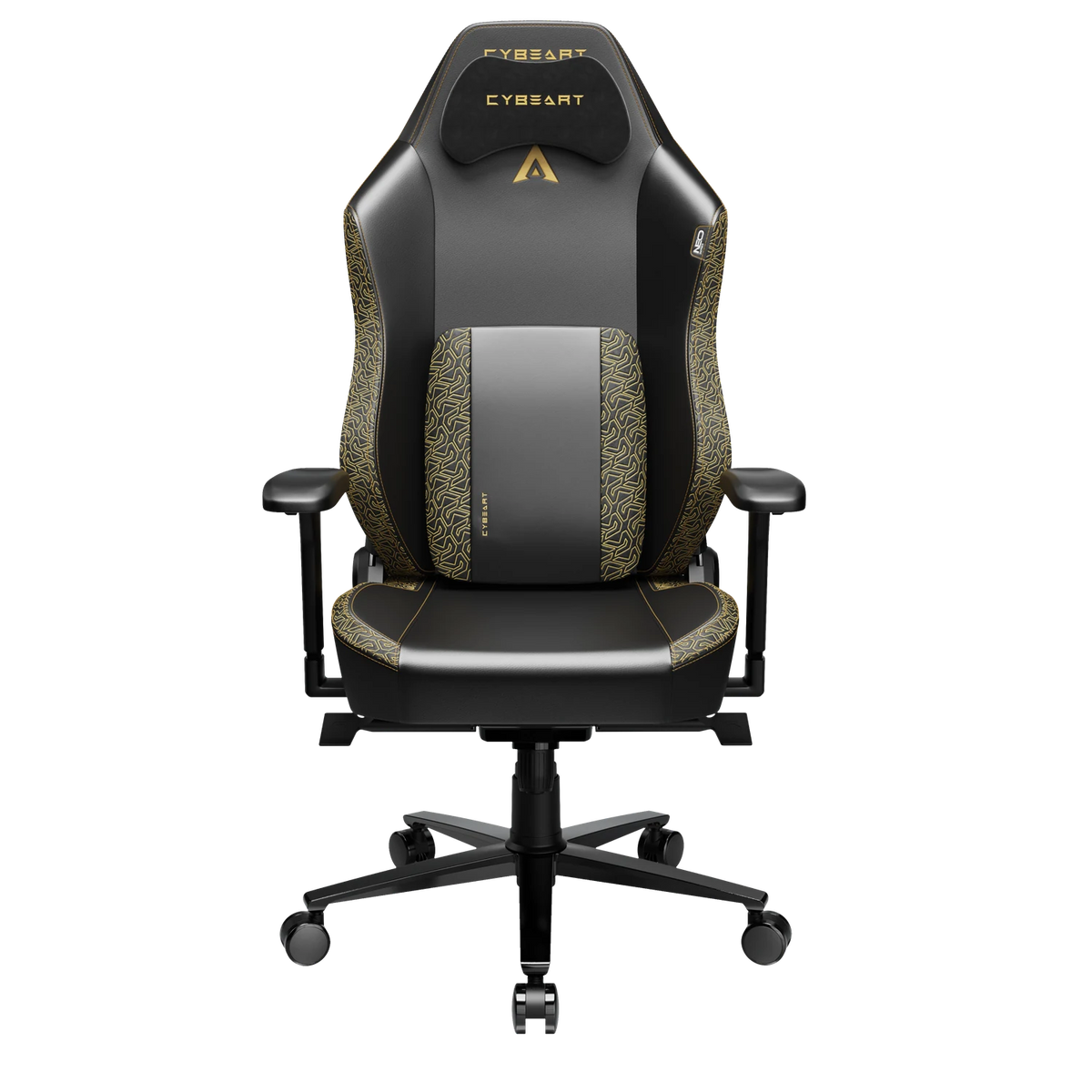
The Chair
Our chairs are upholstered in leatherette, Endura™ Nappa on the APEX and NeoTex™ on the NEO. The APEX Rick and Morty edition, in EnduraWeave™ fabric, is the one exception. Both are breathable and resistant to scratches, UV, sweat, moisture and humidity, and both are colour-fast, so the routine is short.

- Weekly: wipe the seat, backrest and armrests with a soft dry cloth to lift dust and crumbs.
- Monthly, or after a spill: use a soft cloth dampened with water and a drop of mild soap. Wipe gently, go over it again with a cloth dampened in clean water, and dry it with a towel.
- Avoid: bleach, alcohol, solvents, abrasive pads and polishes. Over time they dull the finish.
The NEO Originals editions have a suede side-seam panel; brush it lightly with a soft dry brush and keep water off it. The AeroMag™ neck pillow comes away from its magnets, so lift it off when you wipe the backrest.
Every few months, turn the chair over or tip it on its side and pull any hair or carpet fibre out of the 60 mm casters. While it is over, check the assembly bolts are still tight. The deeper, step-by-step clean of the upholstery is in our guide on how to clean a gaming chair.
The Keyboard
Unplug the cable and switch the keyboard off before you start.

Weekly
Turn the board upside down and tap it gently to shake out crumbs. A soft brush or a can of compressed air clears the gaps between keys. Wipe the keycaps with a dry or barely damp cloth.
Every few months
Pull the keycaps for a proper clean, and take a photo of the layout first so every key goes back in its place. On the tri-mode boards the keycaps are double-shot PBT, which means the legends are part of the plastic, not printed on top. Soak them in lukewarm water with a little mild soap and rinse them well. Let them dry completely before you fit them back; overnight is safest. The Lite boards have ABS keycaps, which you wash the same way, by hand.
With the keycaps off, brush the plate and blow out the dust around the switches. Never put water on the switches or the board itself.
Hot-swap switches
Every Cybeart keyboard has hot-swap sockets, so a switch that starts to feel or sound different can come out and be replaced with no soldering. The tri-mode boards ship with 4 extra switches and 7 extra keycaps (8 on the Akula 99). Pull a switch straight up, without twisting, and press the new one straight down after checking its pins are not bent. The switches are rated for 60 million keystrokes, so most people never need to.
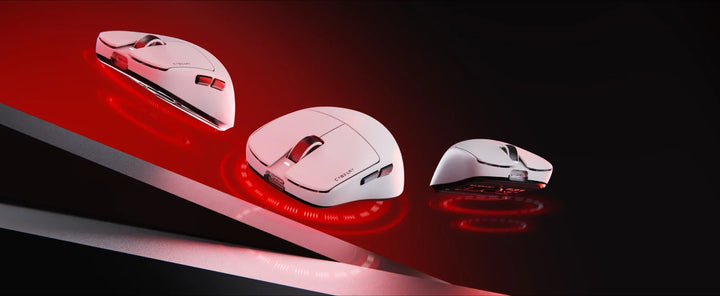
The Mouse
Unplug the Ghost, or switch off the Artemis or Xeus, before you clean it.
- Shell and buttons: wipe with a barely damp cloth, then dry. Keep moisture away from the seams around the buttons.
- Feet: all our gaming mice glide on PTFE feet. A dry cloth takes off the dust and skin that build up there and make the glide feel uneven.
- Sensor: blow dust out of the sensor opening on the underside with a puff of air. Do not push anything into it or use liquid.
PTFE feet wear slowly. The Artemis and Xeus come with one full spare set in the box, so when the originals start to scratch or drag, peel them off, clean the surface underneath and fit the new ones.
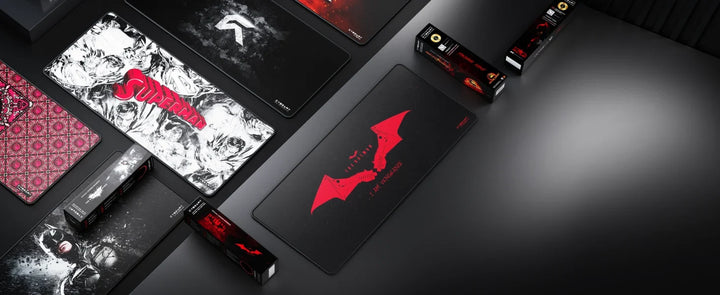
The Mouse Pad
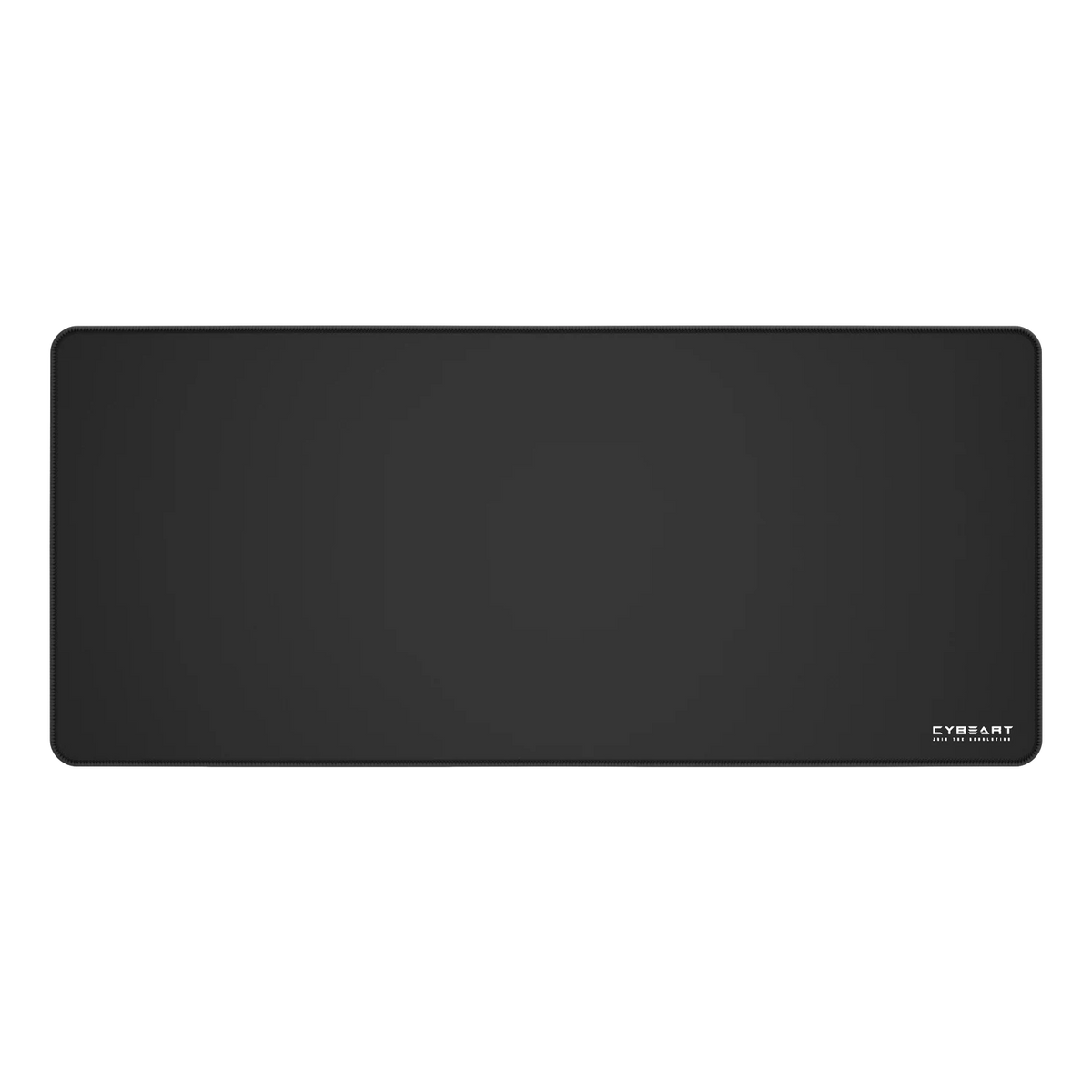
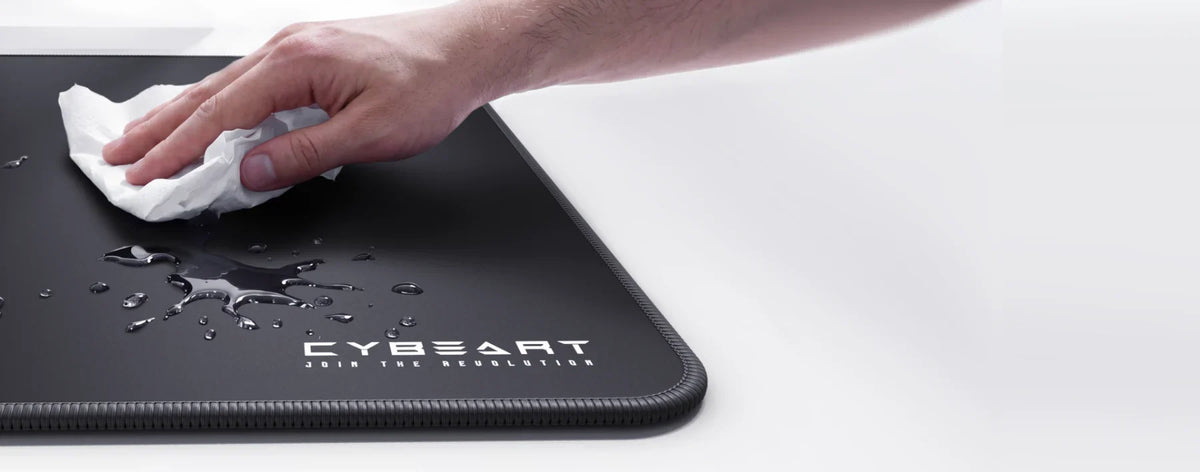
The Rapid Series surface is spill-proof coated, so most spills come straight off with a damp cloth. When the pad itself needs a wash:
- Rinse it in lukewarm water.
- Work a little mild soap into the cloth surface with a soft brush or sponge, in gentle circles.
- Rinse well, until no soap is left.
- Press out the water with a towel. Do not wring or fold it.
- Lay it flat, cloth side up, and let it air dry completely before you use it again.
Keep it out of the washing machine and the dryer, and away from direct heat. The pad has Never-Fray stitched edges and a 4 mm natural rubber base; handle it gently while it is wet. A clean pad gives the mouse a more even glide.
The Routine at a Glance
- Every week: dry-wipe the chair, shake out the keyboard, wipe the mouse feet.
- Every month: damp-wipe the chair, clean the keycaps where you can reach them.
- Every few months: wash the keycaps and the pad, clear the casters, check the chair bolts.
If you have lost a manual, the downloads for your products are on our Resources page.