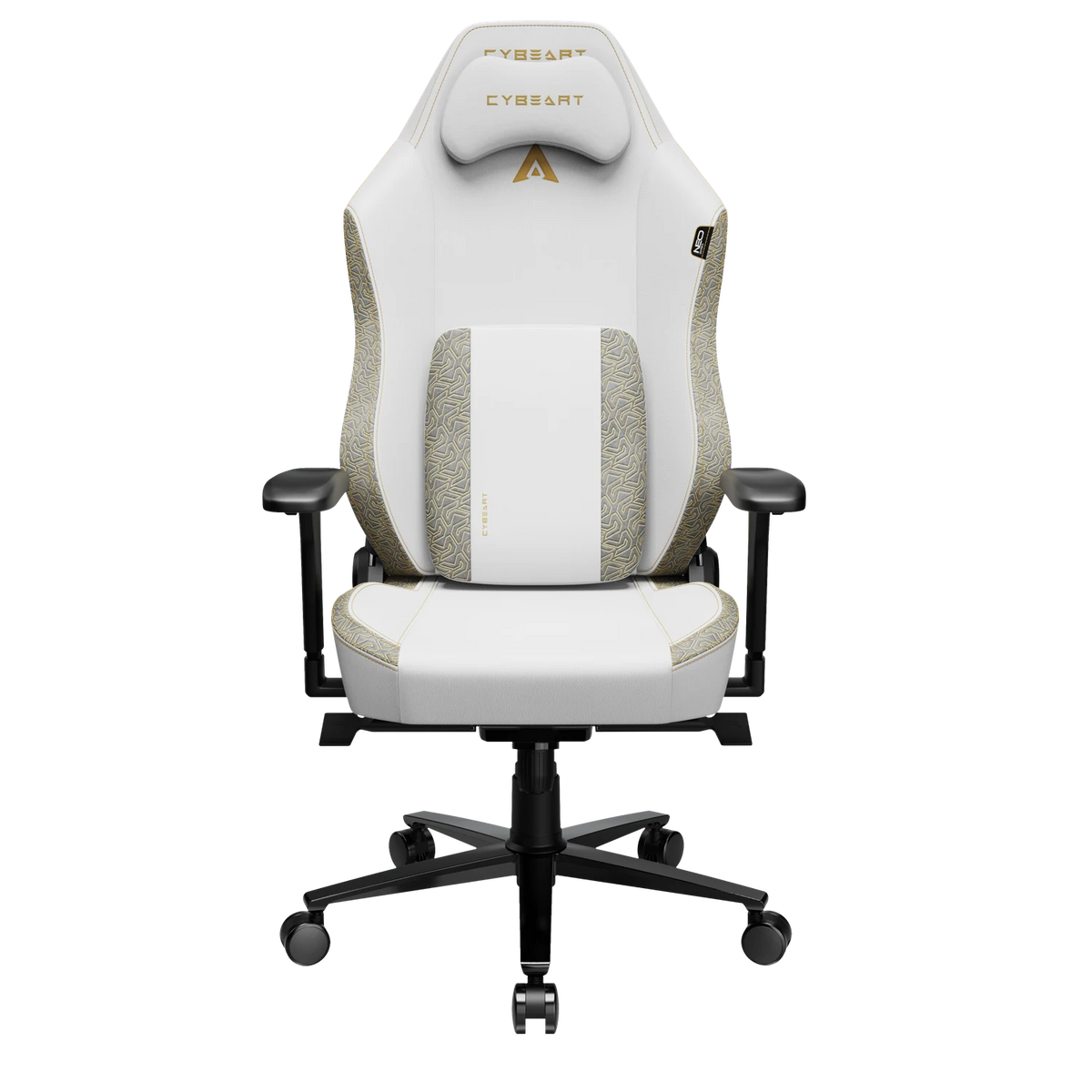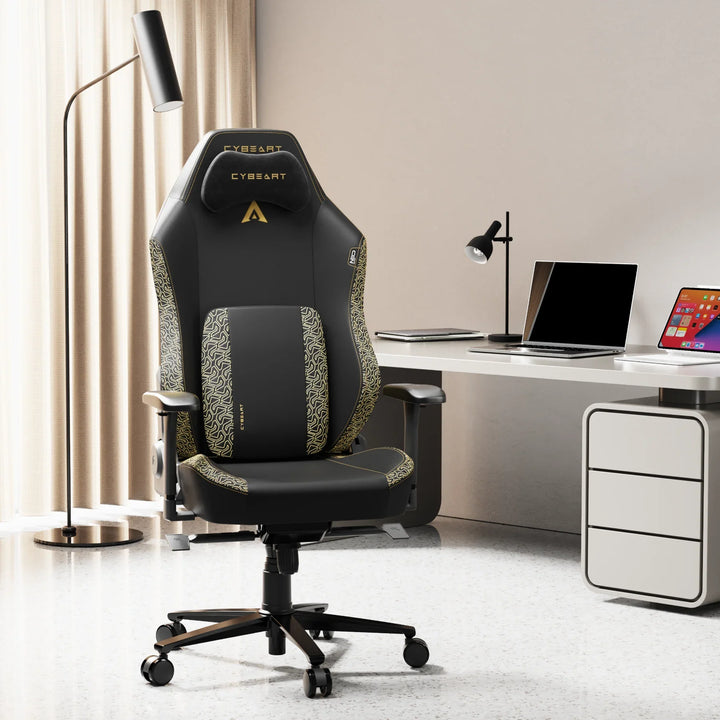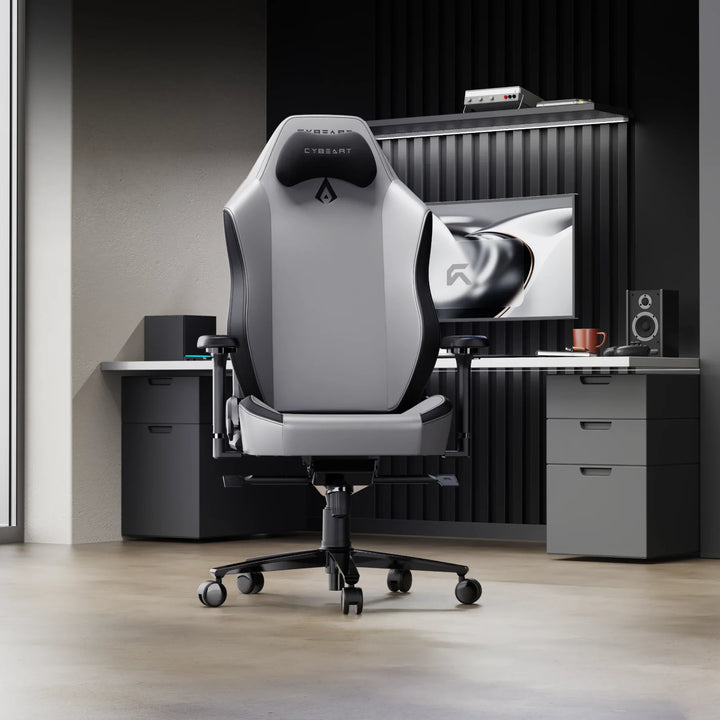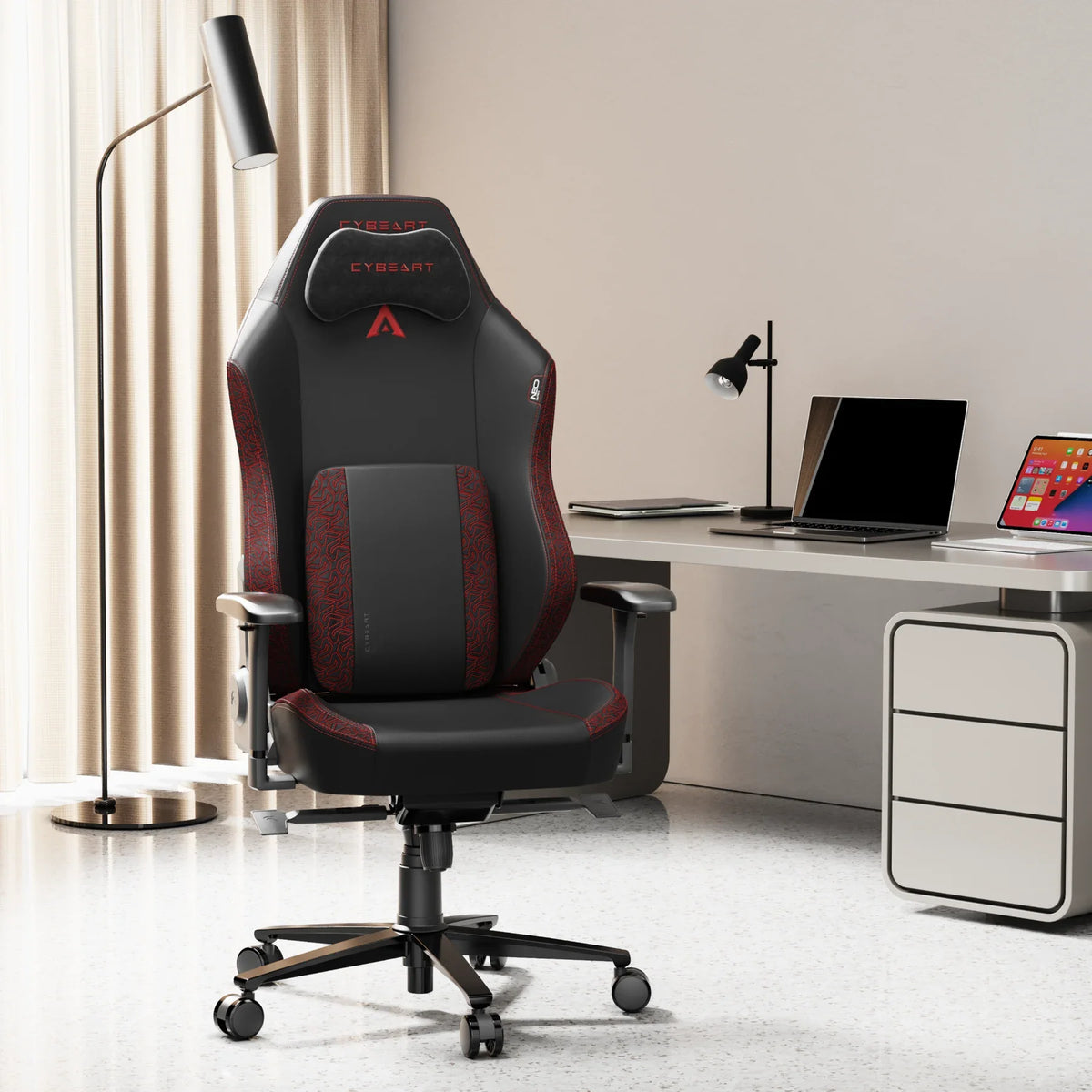
Work in order: seat height first, then the lumbar, armrests, recline and neck pillow, and finally move the desk and screen to fit you. Each step depends on the one before. It takes about ten minutes, and you only need to do it once.
The ranges below are for our APEX and NEO chairs, which share the same frame, dimensions and mechanism. Both fit people from 5'5" to 6'4" (165 to 193 cm) and are rated to 330 lb (150 kg).
Step 1: Seat Height
Sit right back in the seat with both feet flat on the floor. Raise or lower the seat until your thighs are roughly level and your knees sit at about the height of your hips. Your feet should take some of your weight without you reaching for the floor.
On both chairs the seat moves from 48 to 56 cm off the floor, through 8 cm of gas lift travel. If your desk is high and your feet no longer reach the floor at the right seat height, a footrest fixes it.
Step 2: Seat Depth and Lumbar Support
Sit with your back against the backrest. You want a gap of a few fingers between the front edge of the seat and the back of your knees. Usable seat depth is 52 cm on both chairs.

Next comes the lumbar, and this is where the two chairs differ.
APEX: ErgoSync™ 4D lumbar
The APEX has a built-in lumbar with two knobs, one for height and one for depth. Turn the height knob until the support sits in the curve of your lower back, just above your belt line. Then turn the depth knob until it fills that curve without pushing you forward. There is no lumbar pillow on the APEX, and it does not need one.
NEO: lumbar arch and pillow
The NEO has a lumbar arch built into the backrest and comes with a memory-foam lumbar pillow. Try the arch alone first. If you want more support, add the pillow and slide it up or down until it sits in the curve of your lower back.
Step 3: Armrests
The 4D armrests on both chairs move up and down, in and out, forward and back, and they rotate.

- Height: let your shoulders drop and relax. Raise the armrests until they meet your forearms with your elbows bent at about a right angle. The range is 67.5 to 75 cm from the floor.
- Width: bring them in close to your sides, so your arms are not held out. They move 2.5 cm sideways, for 45 to 50 cm between the armrests.
- Depth: slide them forward or back by up to 4 cm so they support your forearm without hitting the desk edge.
- Rotation: angle them slightly inward if you rest your forearms while typing or using the mouse.
The armrests should end up level with the desk surface, or just below it. Step 6 picks that up.
Step 4: Recline and Tilt
For work and play, sit upright or just slightly back, so the backrest carries some of your weight. Both chairs recline up to 135° and lock at multiple angles, and the seat tilts up to 30° (synchronised on the APEX).

Keep the deeper angles for a break or a controller game. Lock the recline where you want it, so your legs are not holding you in place.
Step 5: The AeroMag™ Neck Pillow
Both chairs ship with the AeroMag™ neck pillow, cooling-gel memory foam held on by magnets, with no straps. Place it where the back of your head or upper neck meets it when you lean back. The magnets let you move it up or down until it lands in the right spot, and take it off altogether when you sit upright.

Step 6: Desk, Keyboard and Screen
With the chair fitted to you, bring the desk to the chair, not the other way round.
- Desk height: with your elbows at the armrests, your keyboard should sit at about the same height. If the desk is too high, raise the chair and use a footrest.
- Keyboard and mouse: keep them close, so your elbows stay near your sides. A smaller keyboard puts the mouse closer to your body.
- Screen: about an arm's length away, with the top of the screen at or slightly below eye level. Centre it in front of you so you are not turning your head.
Then move. The setup is a good starting point, but changing position through the day and getting up for short breaks matters as much as any adjustment.
The APEX page and the NEO page show each chair in detail, and the downloads for yours are on our Resources page.