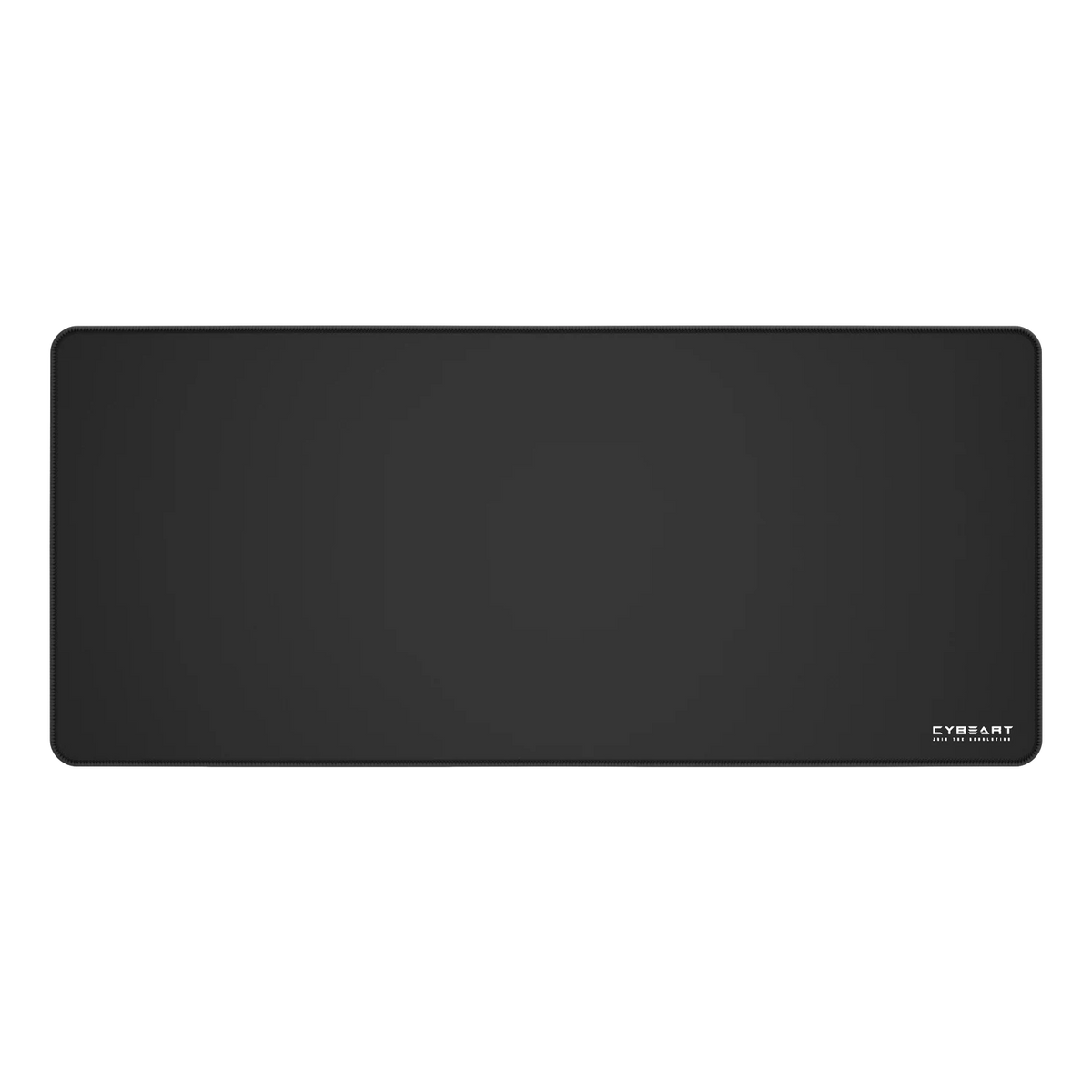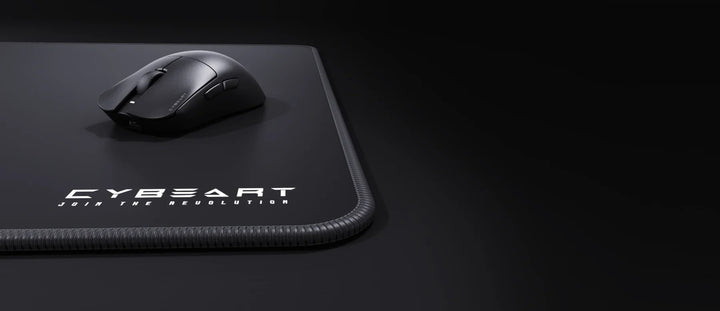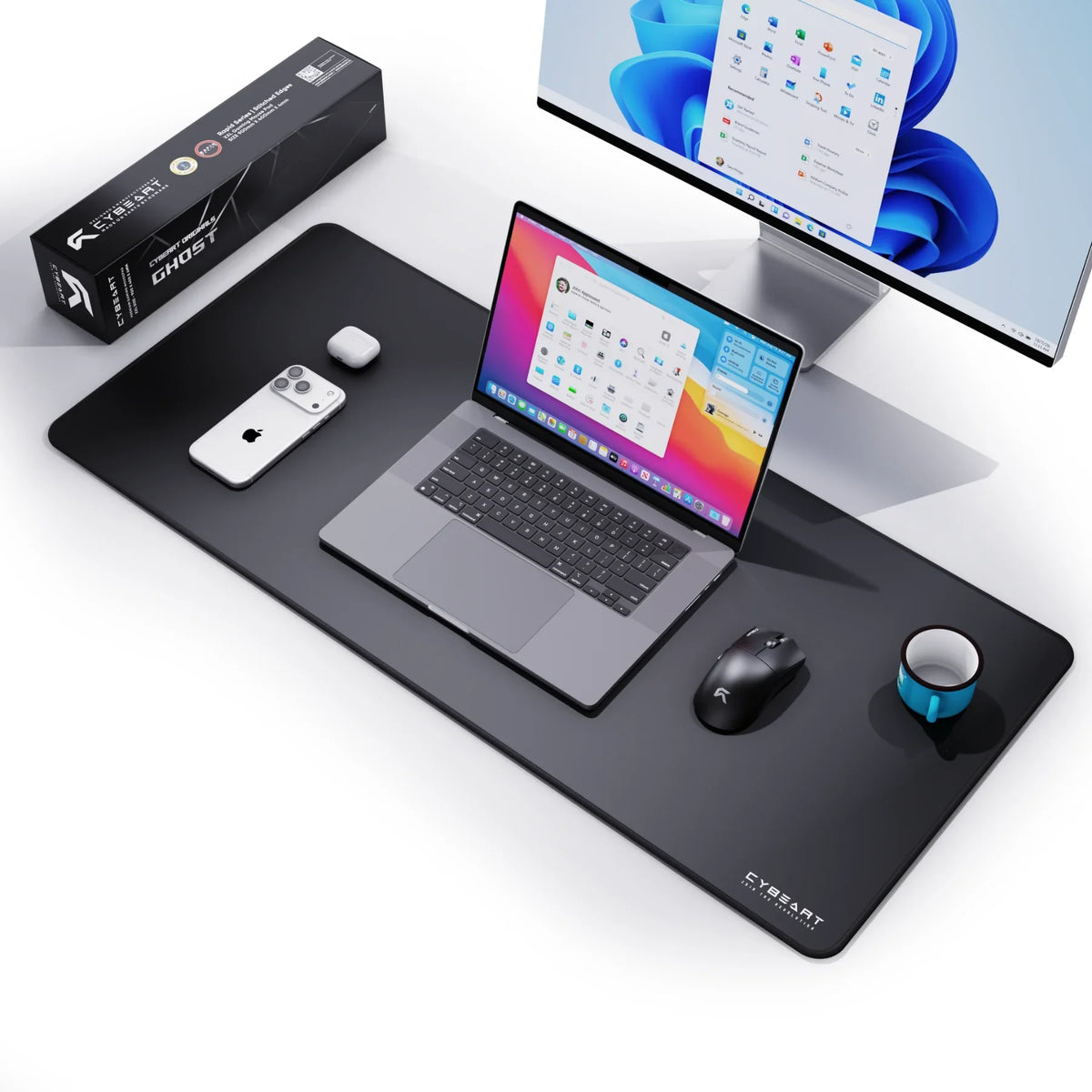
If the keyboard goes on it too, you want a desk mat. Our XXL measures 900 × 400 mm and takes any of our keyboards with room to spare for the mouse. The Large (450 × 400 mm) and Medium (300 × 250 mm) are mouse pads, and the keyboard sits beside them on the desk.
The Three Sizes
- XXL desk mat: 900 × 400 × 4 mm. Keyboard and mouse on one surface.
- Large: 450 × 400 × 4 mm. A mouse pad with room for wide, low-sensitivity swipes.
- Medium: 300 × 250 × 4 mm. A compact pad for a tight desk or a wrist aimer. Ghost Edition only.
All three are Rapid Series pads with the same build. Only the footprint changes, so the choice comes down to your desk and how you aim.

What Fits Under a Keyboard
A keyboard needs its full width plus a little margin, and the mouse needs clear space beside it. Across the XXL's 900 mm length, our boards leave roughly this much:


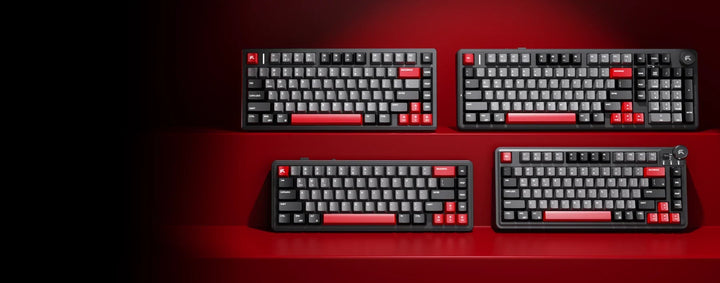
- Akula 65 (325.09 mm wide): about 575 mm left for the mouse.
- Nighthawk 75 (365.9 mm wide): about 534 mm left.
- Akula 99 (406.76 mm wide): about 493 mm left.
Depth is no problem either. Our tri-mode keyboards are roughly 12 to 14 cm deep, so at 400 mm the XXL leaves plenty of mat in front of them, and your wrists rest on cloth instead of the desk edge.
The Large is 450 mm wide. Even the Akula 65 would leave only about 125 mm beside it, too little for a mouse, so think of the Large and the Medium as mouse-only pads with the keyboard on the desk next to them.
Measure the desk before you order an XXL. The mat needs 90 cm of clear width and 40 cm of depth. If a monitor stand, speakers or a lamp base sits in that space, the mat will ride up against it, usually on the mouse side. On a narrow desk, a Large beside the keyboard often gives the mouse more usable room than an XXL squeezed into place.
How Your Sensitivity Decides the Size
Sensitivity is how far the crosshair turns for each centimetre you move the mouse, and it sets how much pad you actually use.

Low sensitivity
Aim with your whole arm and a single turn in a game can carry the mouse a long way across the pad. Run out of room in the middle of a fight and you lift the mouse at the wrong moment. Choose the XXL, or the Large if your keyboard already lives on the desk. Both are 400 mm deep, which matters as much as width for vertical movement.
High sensitivity
Aim with the wrist and fingers and the mouse moves a few centimetres at a time. A Medium at 300 × 250 mm covers that comfortably and fits a small desk or a travel setup. Plenty of high-sensitivity players still choose an XXL, for the keyboard, the look and one even surface under everything.
In between
Most people sit somewhere in the middle and move between games. The Large is the safe mouse-only size, and if you have the desk width, the XXL settles the question.
The Same Surface on Every Size
Every Rapid Series pad has an exclusive micro-woven cloth surface with a high thread count, tuned for speed and control and compatible with optical and laser sensors. The surface is spill-proof coated, so a spill wipes up instead of soaking in. The edges are Never-Fray overlocked with high-density reinforced stitching, and the base is 100% natural rubber, 4 mm thick, with an esports-grade never-slip grip.
That 4 mm thickness is the same on all three sizes, so changing size does not change how the mouse sits under your hand. Every pad carries a 1-year warranty.
Designs by Size
The XXL desk mat is where the art lives. It comes in our Originals, Ghost and Signature, and in the Officially Licensed designs, The Batman among them. The Large comes in Ghost and Signature. The Medium is Ghost Edition only: plain black, made to disappear into the setup.
Every XXL design is in the desk mats collection and the smaller sizes are under medium and large mouse pads. To weigh all three sizes against each other, use the mouse pads page.